
 Cash Bay SlotsGUIDE 05
Missions & events
Explore missions, passes, collections and current events.
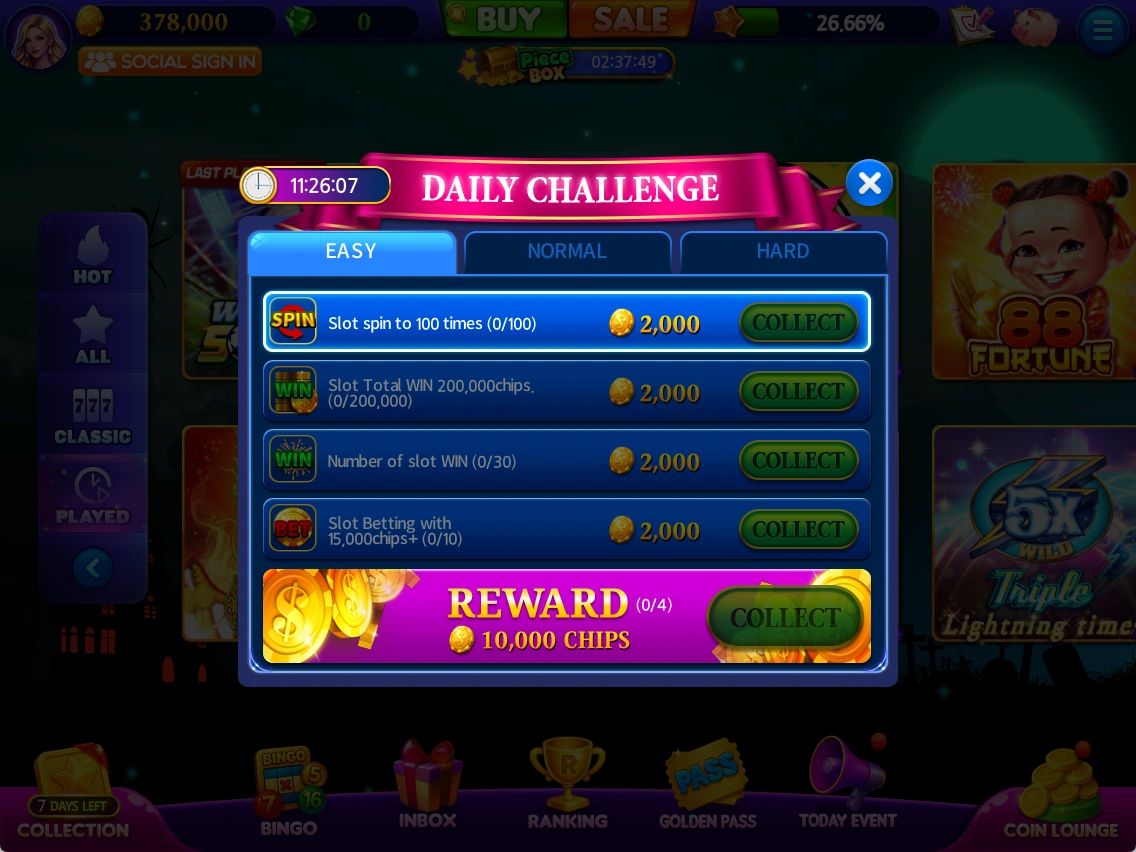
Daily Challenge
View missions that can be completed while playing slots and their rewards.
- Check each target and progress.
- Play according to the stated conditions.
- Check the claim button for completed missions.
Use the in-game mission conditions and remaining time.
Golden Pass & weekly missions
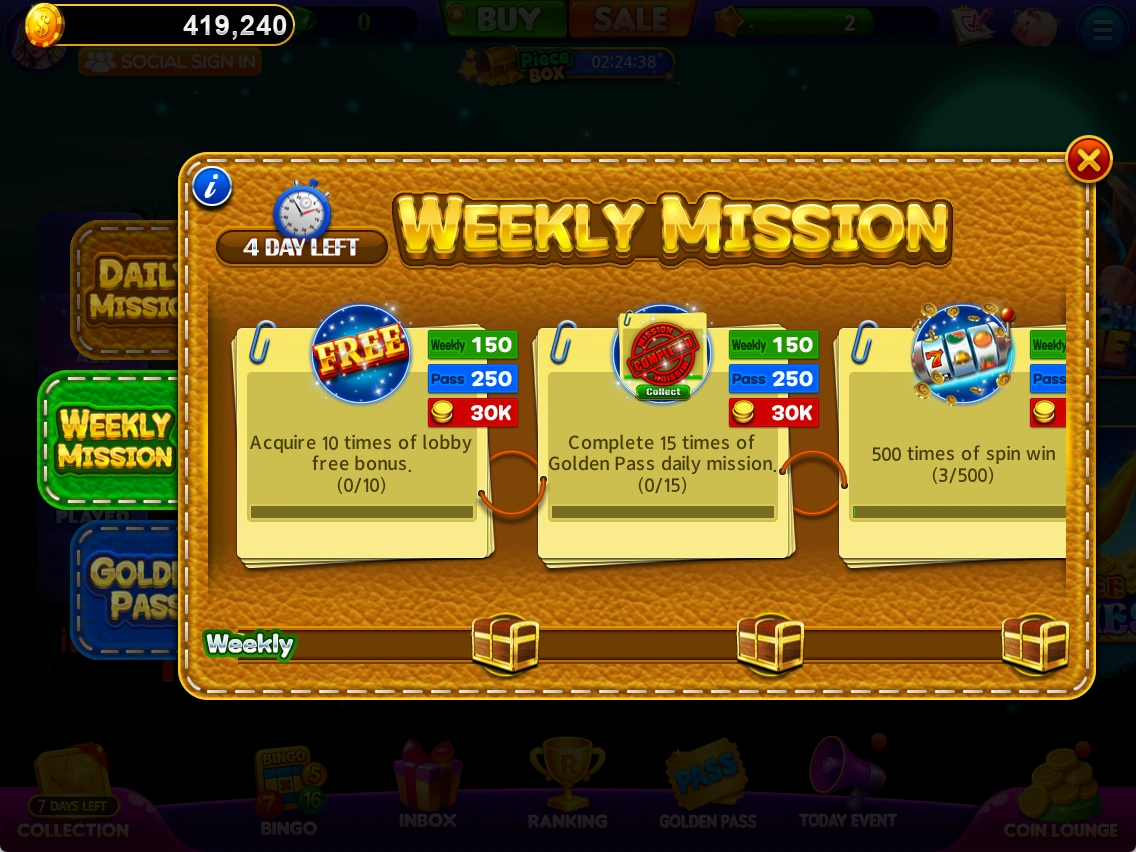
The pass menu shows rewards for mission progress. The supplied screenshot shows the WEEKLY MISSION tab.
- Choose a pass or mission tab.
- Check targets and time remaining.
- Check which rewards can be claimed after completion.
Check each pass screen to distinguish free and paid rewards.
New-player rewards
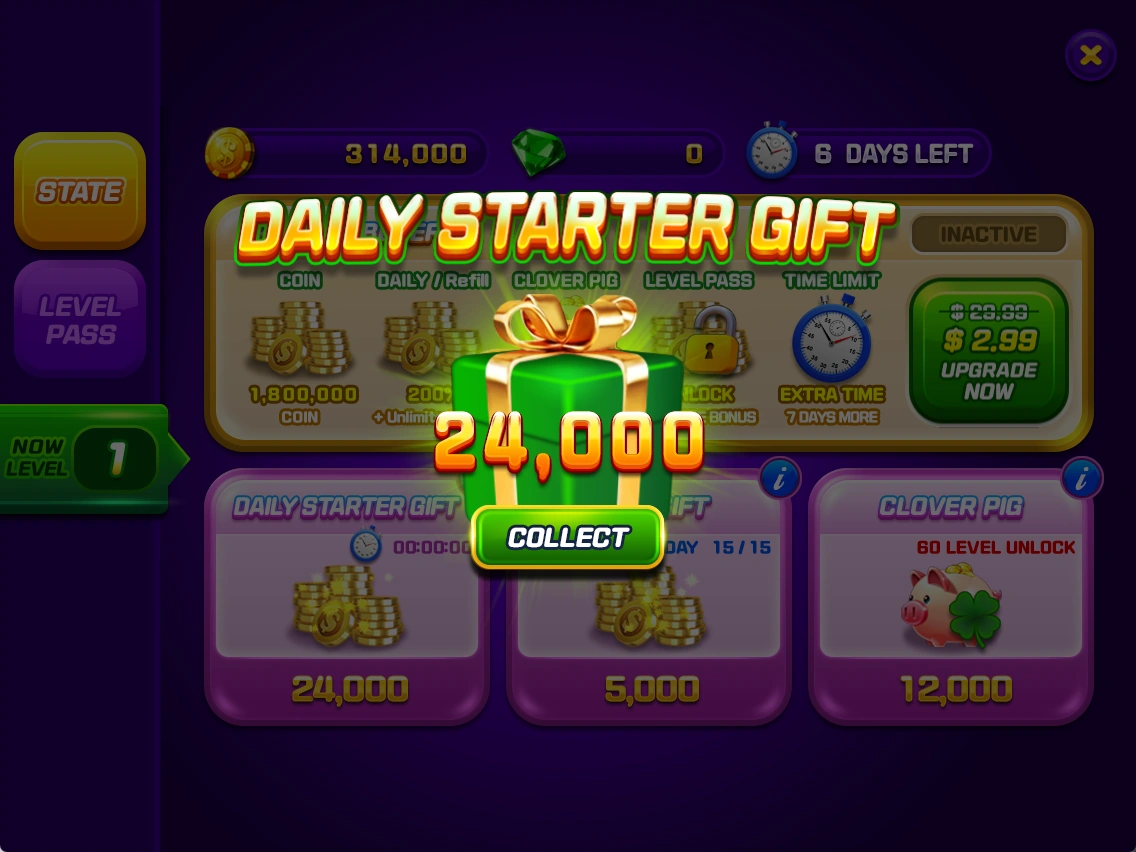
New players are shown starter passes and rewards. The screenshot shows a DAILY STARTER GIFT claim.
- Read the starter reward notice on first sign-in.
- Check pass progress and available rewards.
- Select COLLECT for an available reward.
Returning-player rewards
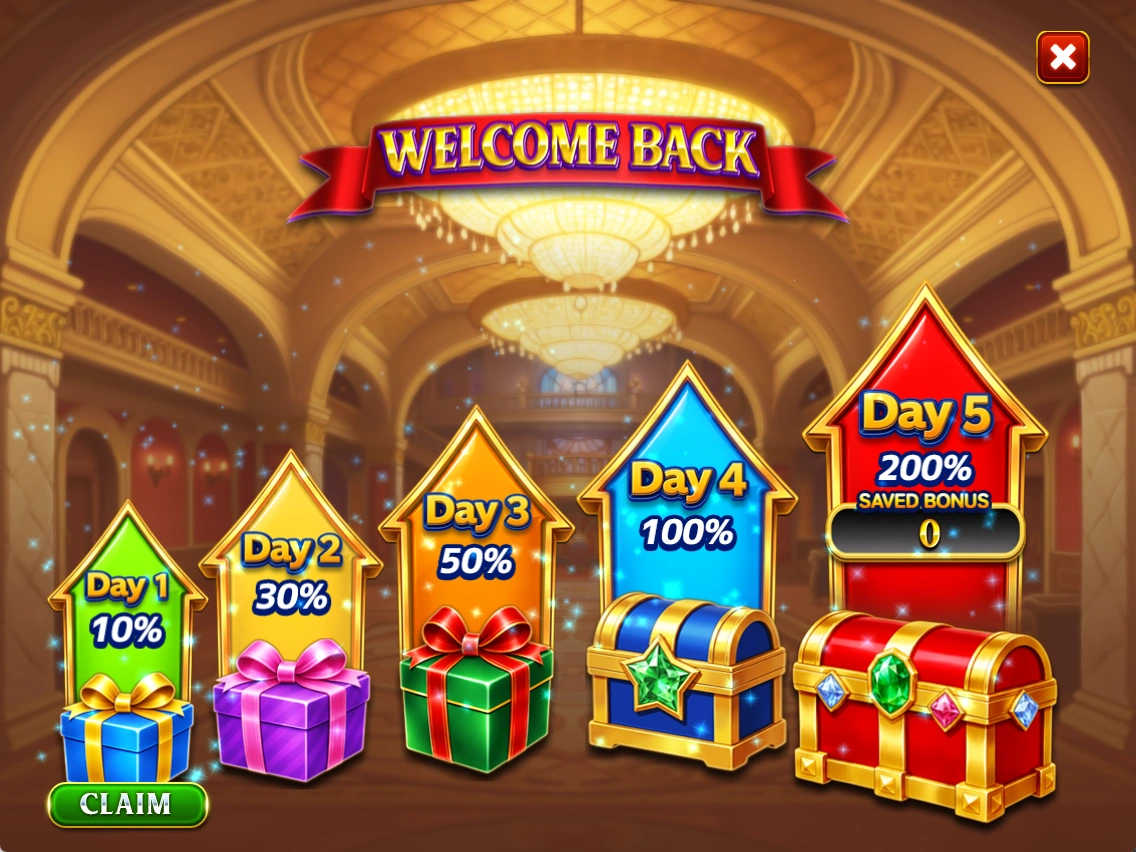
A bonus screen for returning players shows daily rewards and what is currently available.
- Check the current day and reward in WELCOME BACK.
- Select CLAIM for an available reward.
Check the game screen for return reward eligibility and claim conditions.
Collections & vouchers
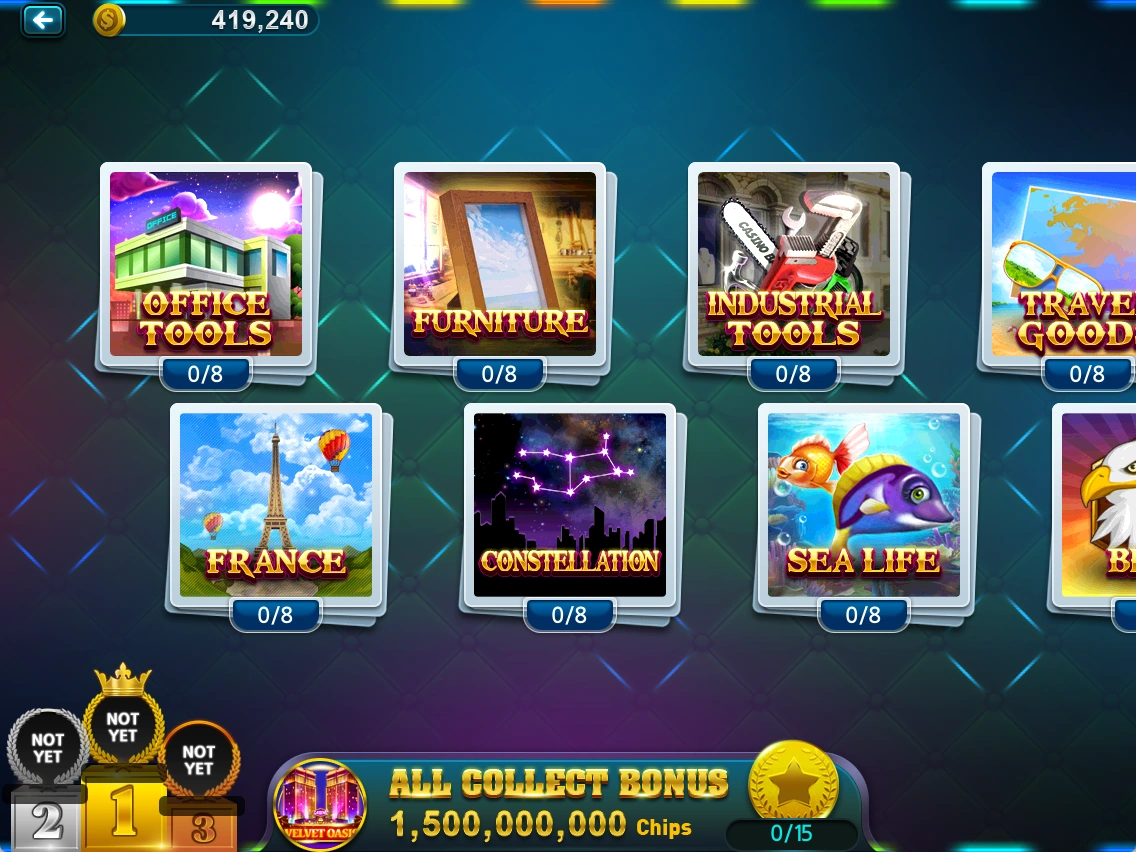
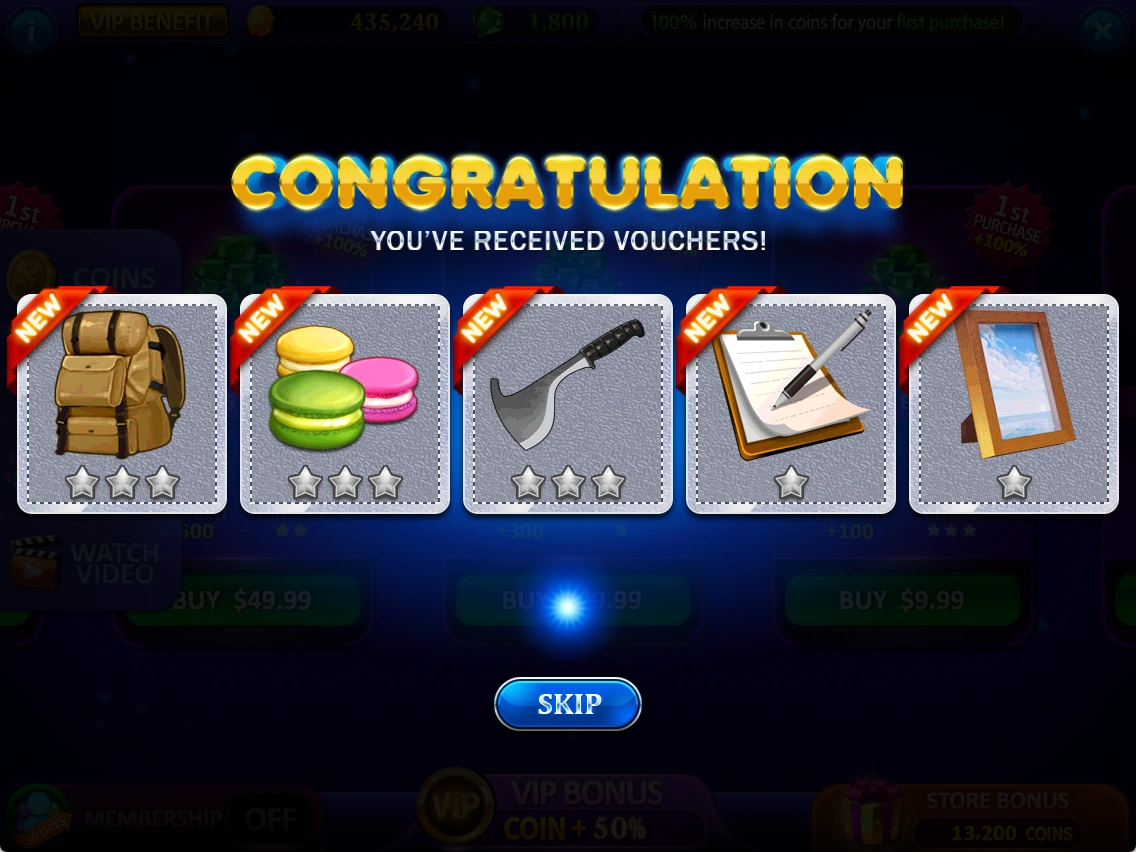
Collect vouchers obtained through activities such as play to complete collections.
- Choose a hotel in COLLECTION.
- Check how many vouchers you have and still need in each set.
- Review collection rewards and progress.
Check the game screen for the current season’s detailed conditions.

Current events
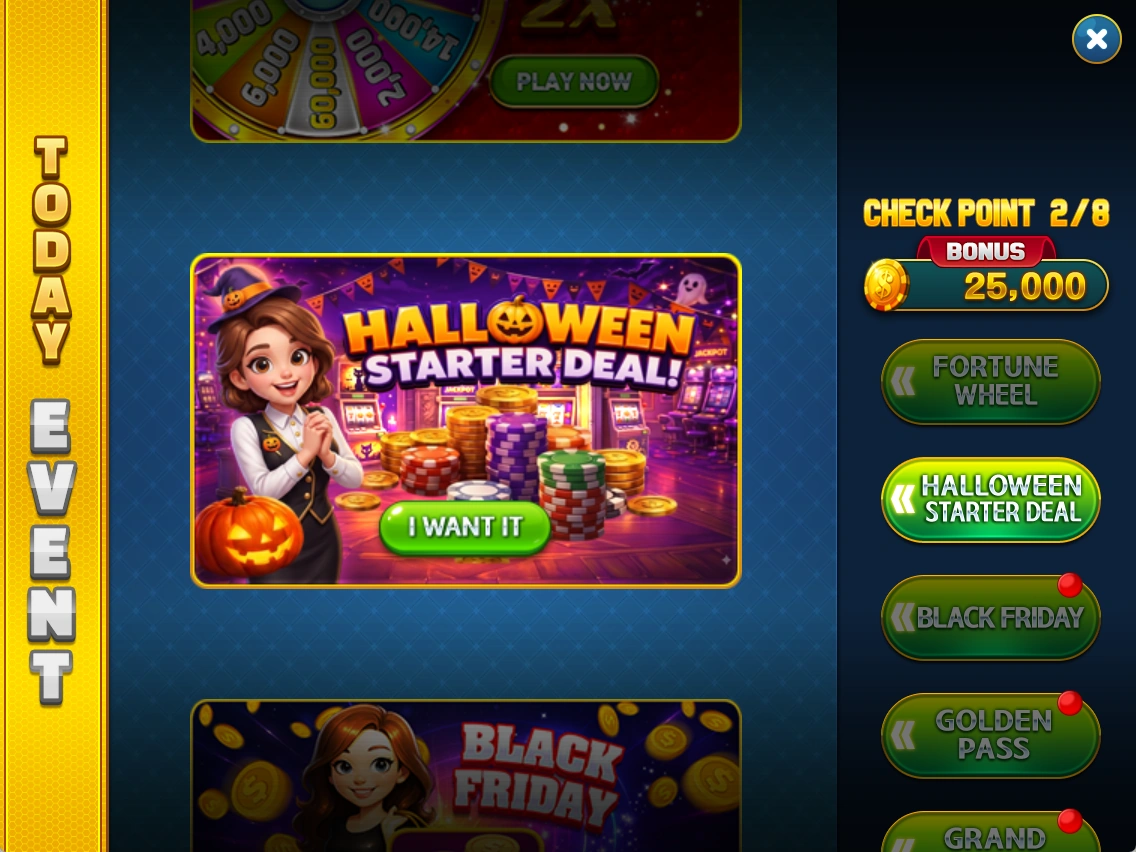
Browse current events and promotions in one place.
- Open the list in TODAY EVENT.
- Choose an item and read its duration and conditions.
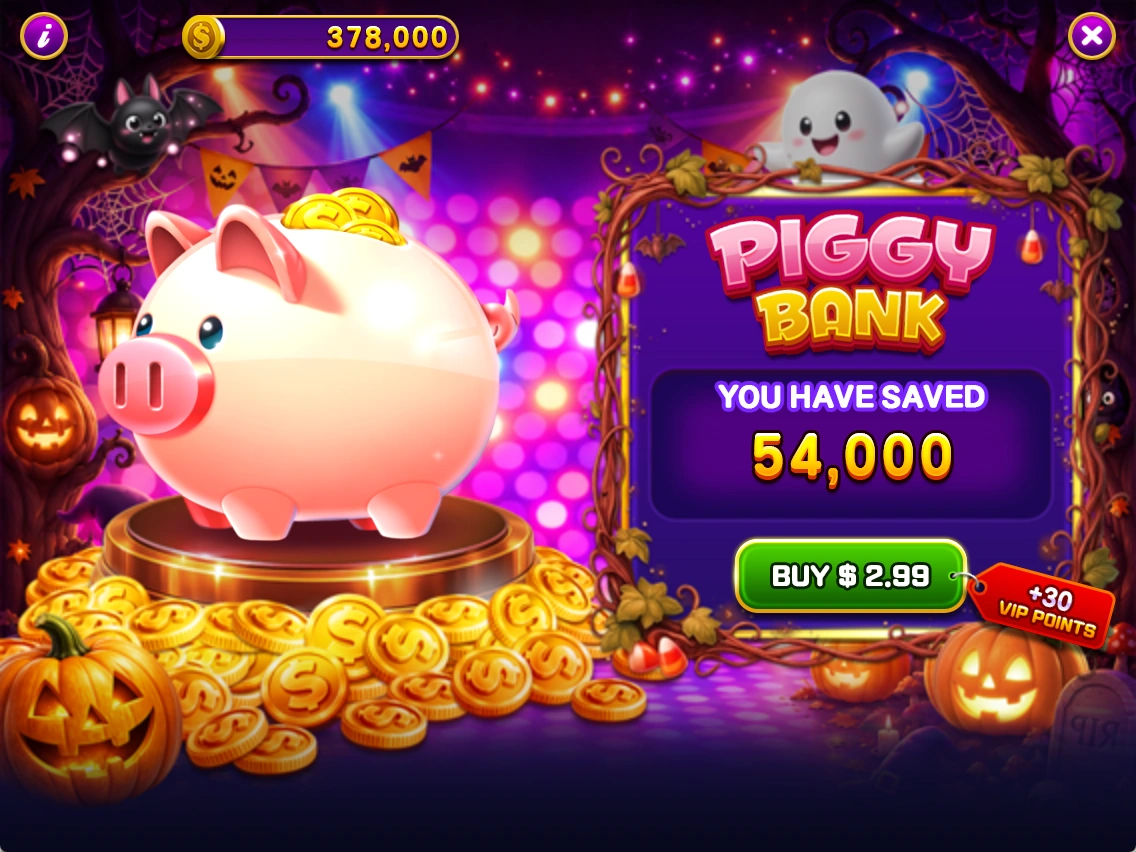
Piggy Bank
Select the piggy-bank icon in the lobby to check your saved coins and purchase conditions.
- Check the amount under YOU HAVE SAVED.
- Read the price and contents on BUY before deciding to purchase.
A saved amount does not mean it can be claimed free.
Special offers
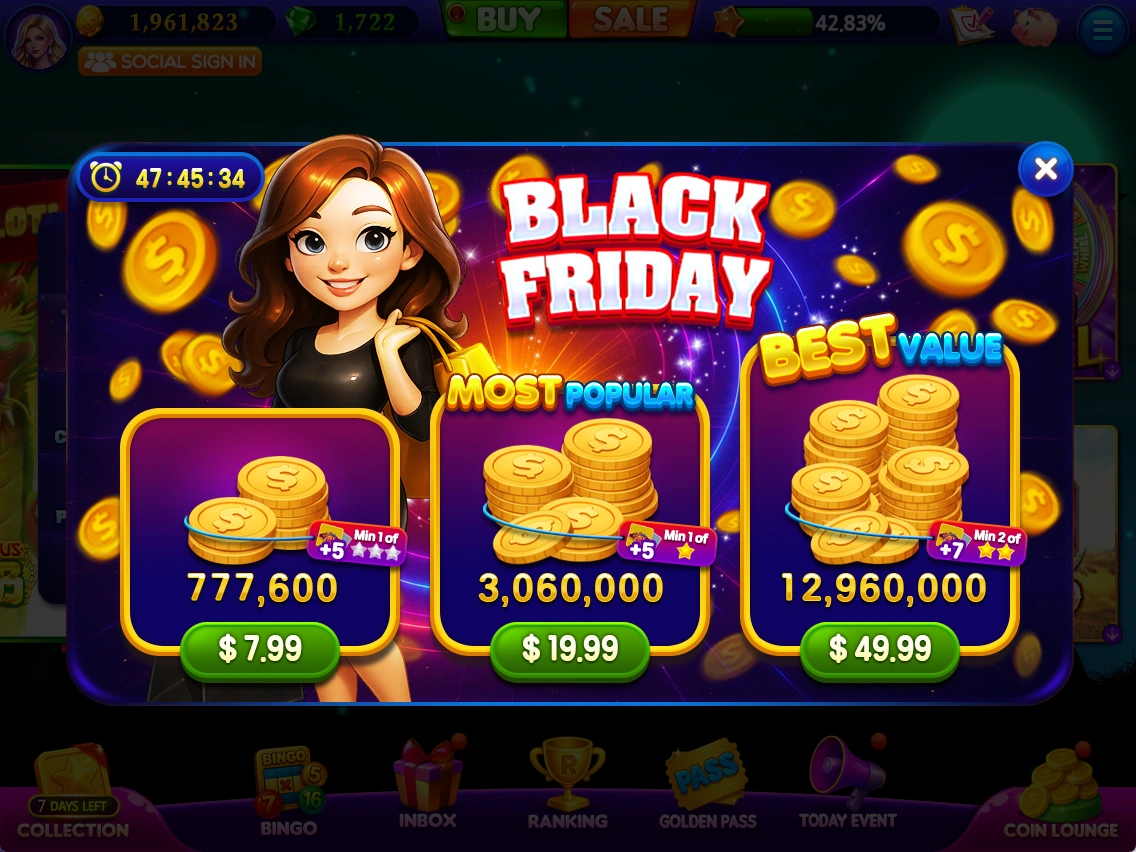
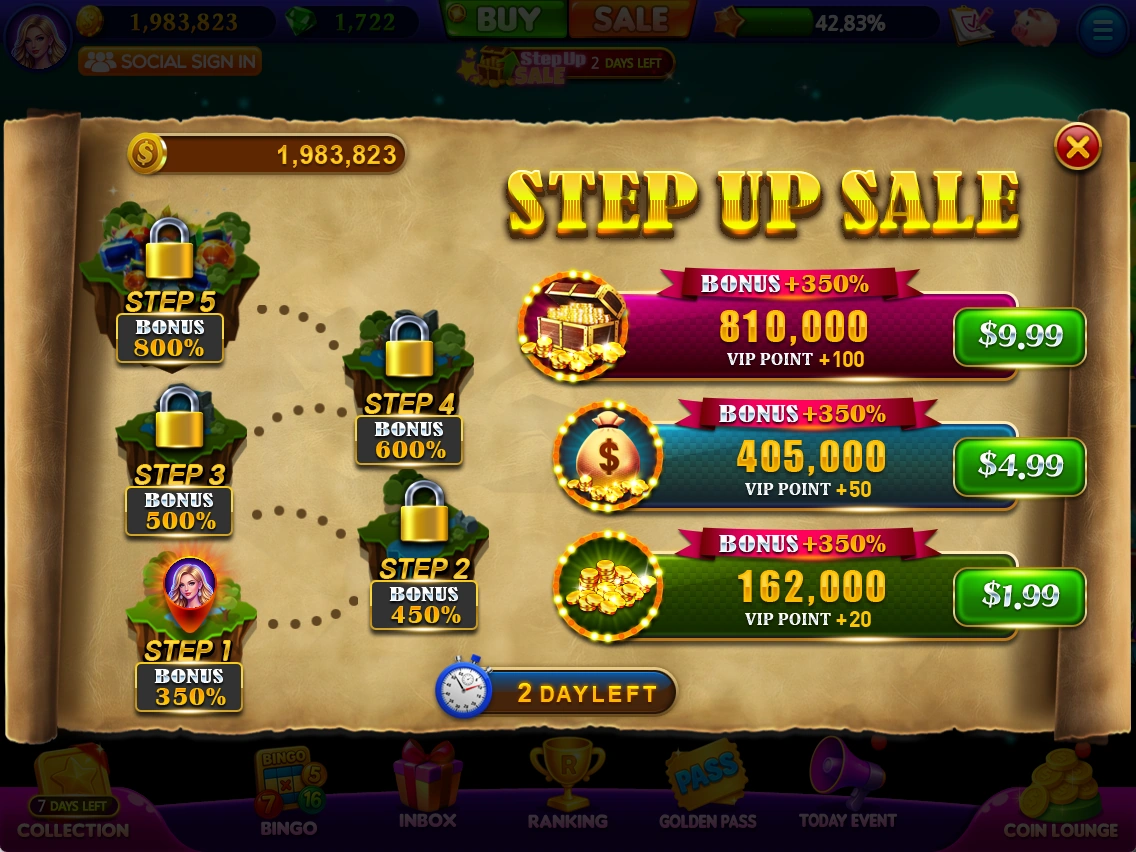
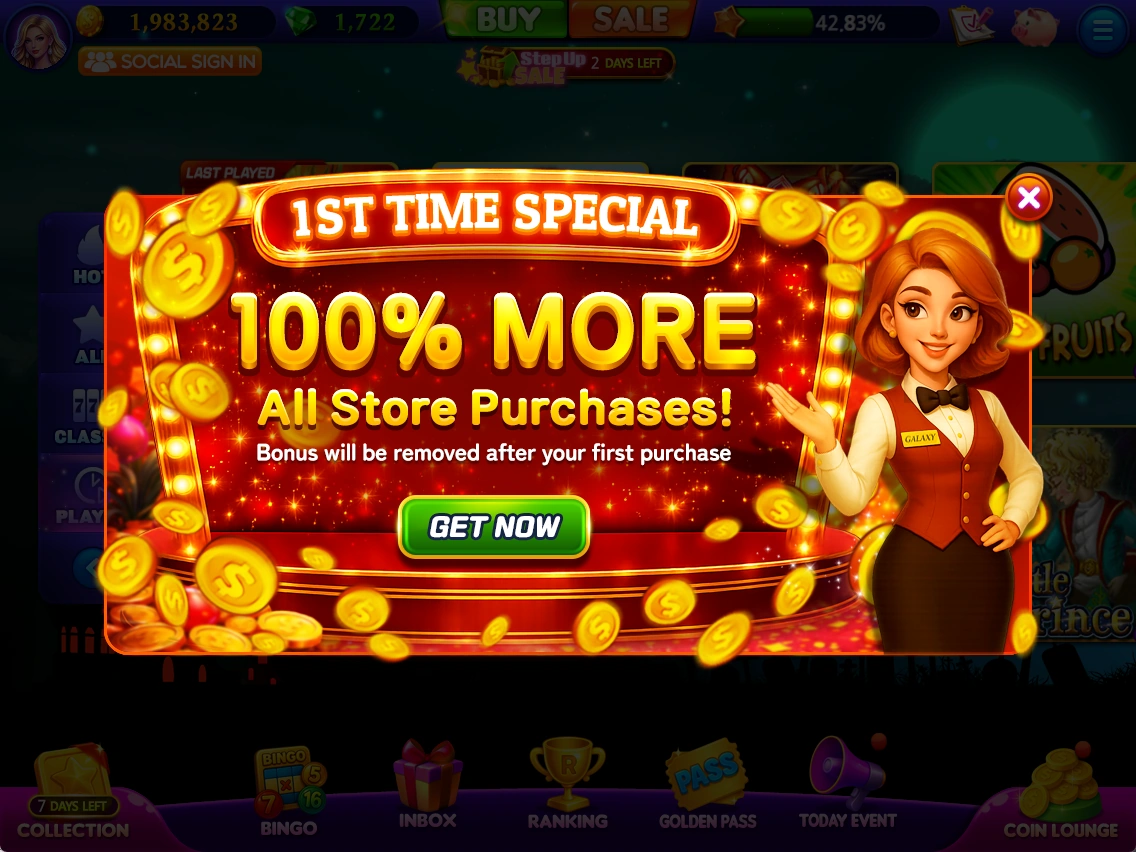
The game may show limited-time offers or first-purchase promotions.
- Read the contents, price and conditions.
- Check the remaining time and any step-by-step conditions before deciding.
See the latest in-game information for prices, rewards, events and applicable conditions.